Enter for a new line. Ctrl+Enter to send.
Pressed Enter for a new line and sent a half-written message? One keyboard rule across your chat sites stops it.
- Completely free
- No sign-up
- Just install
How it works
- 1
Install it. Choose the sites here
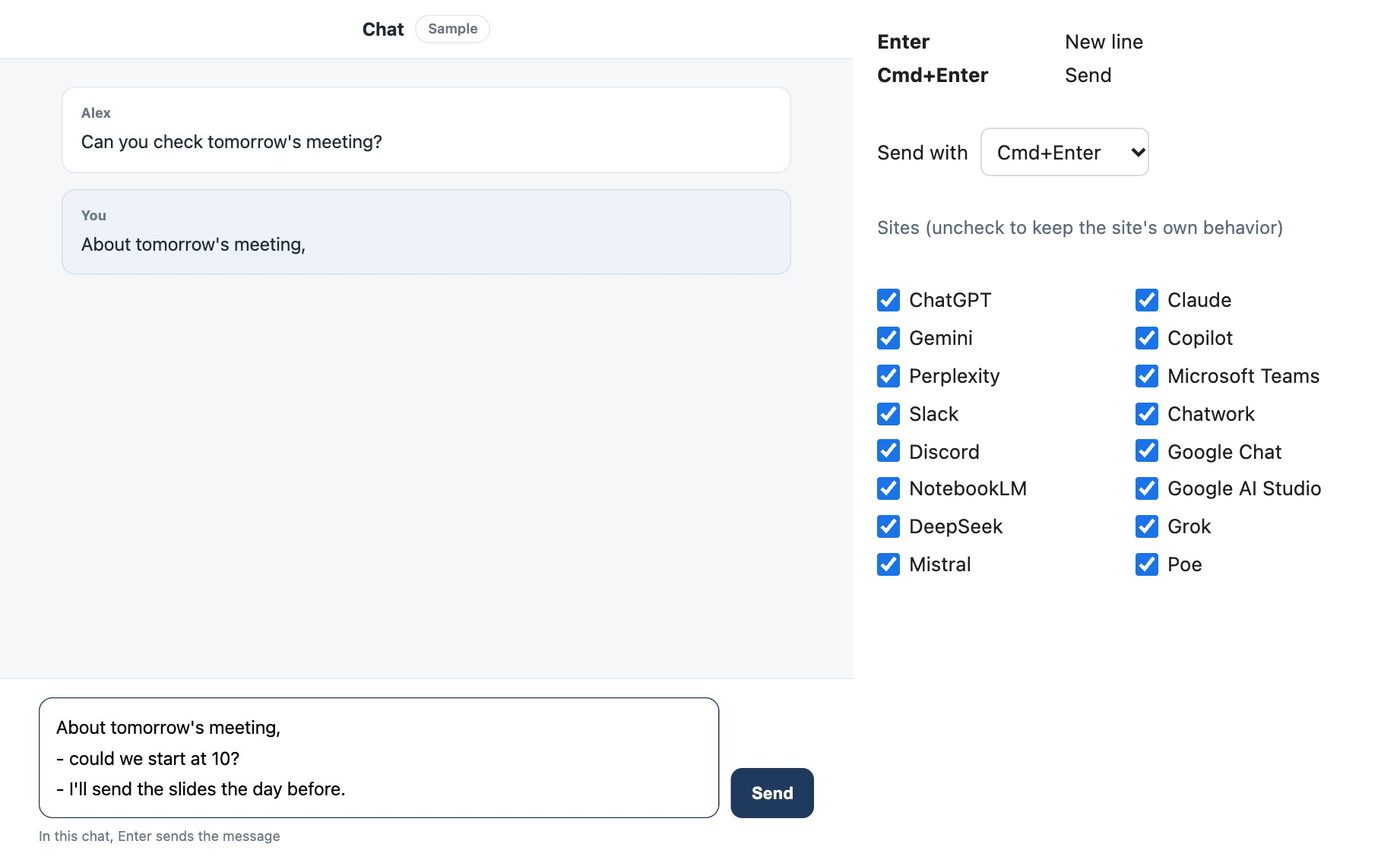
It works right away on 16 sites, including ChatGPT, Slack and Teams. Turn each site on or off and choose the send key here.
- 2
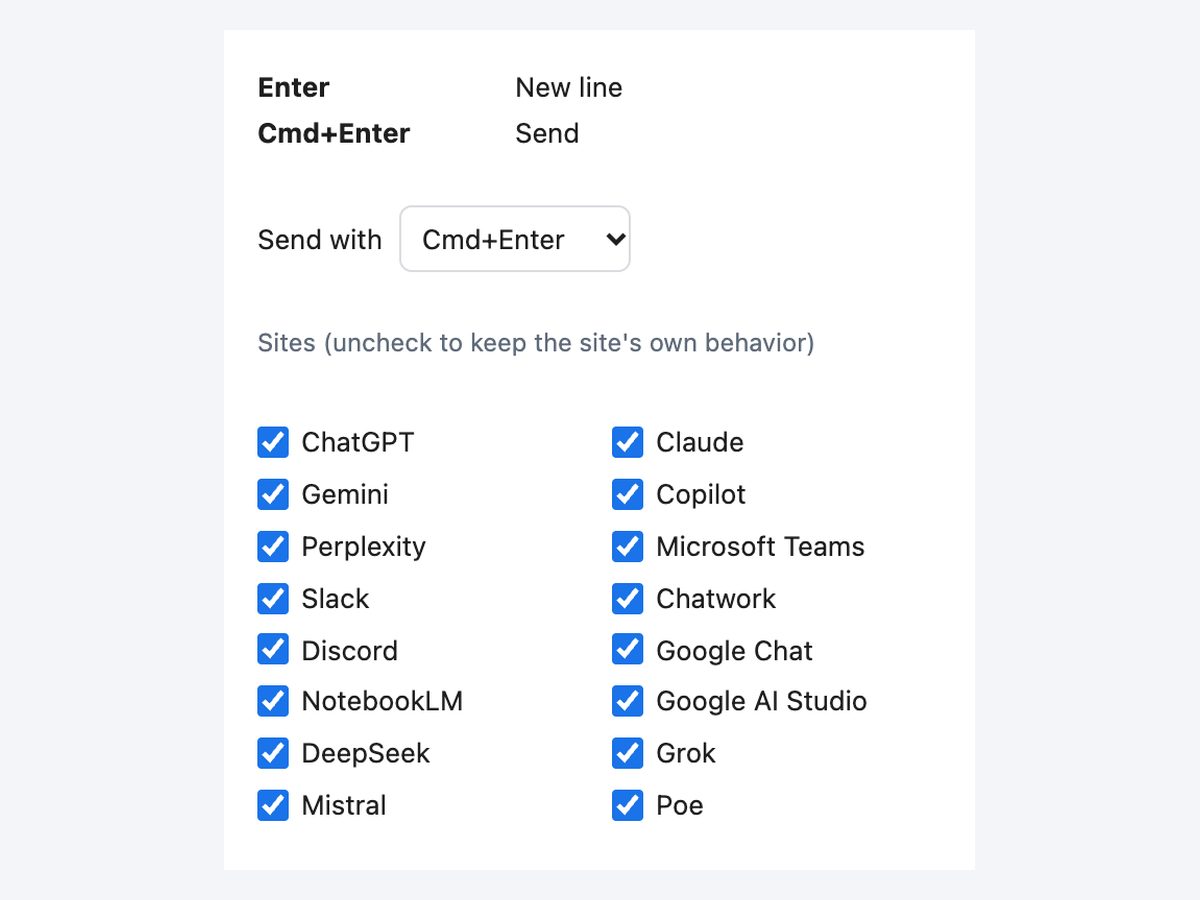
Press Enter for new lines as you write
Enter used to confirm Japanese or Chinese input is not passed to the site either.
- 3
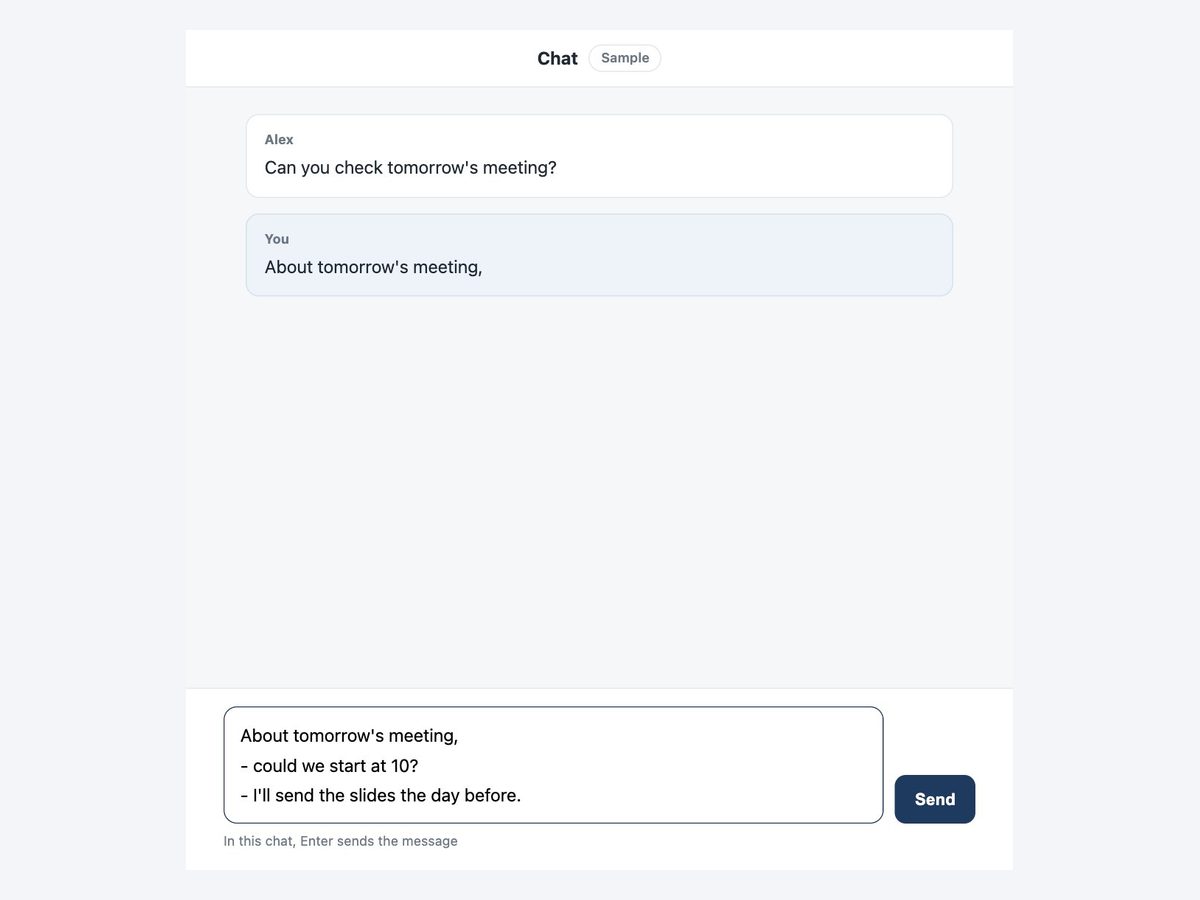
Press Ctrl+Enter (Cmd+Enter on Mac) to send
Send when you are done, with the send keys.
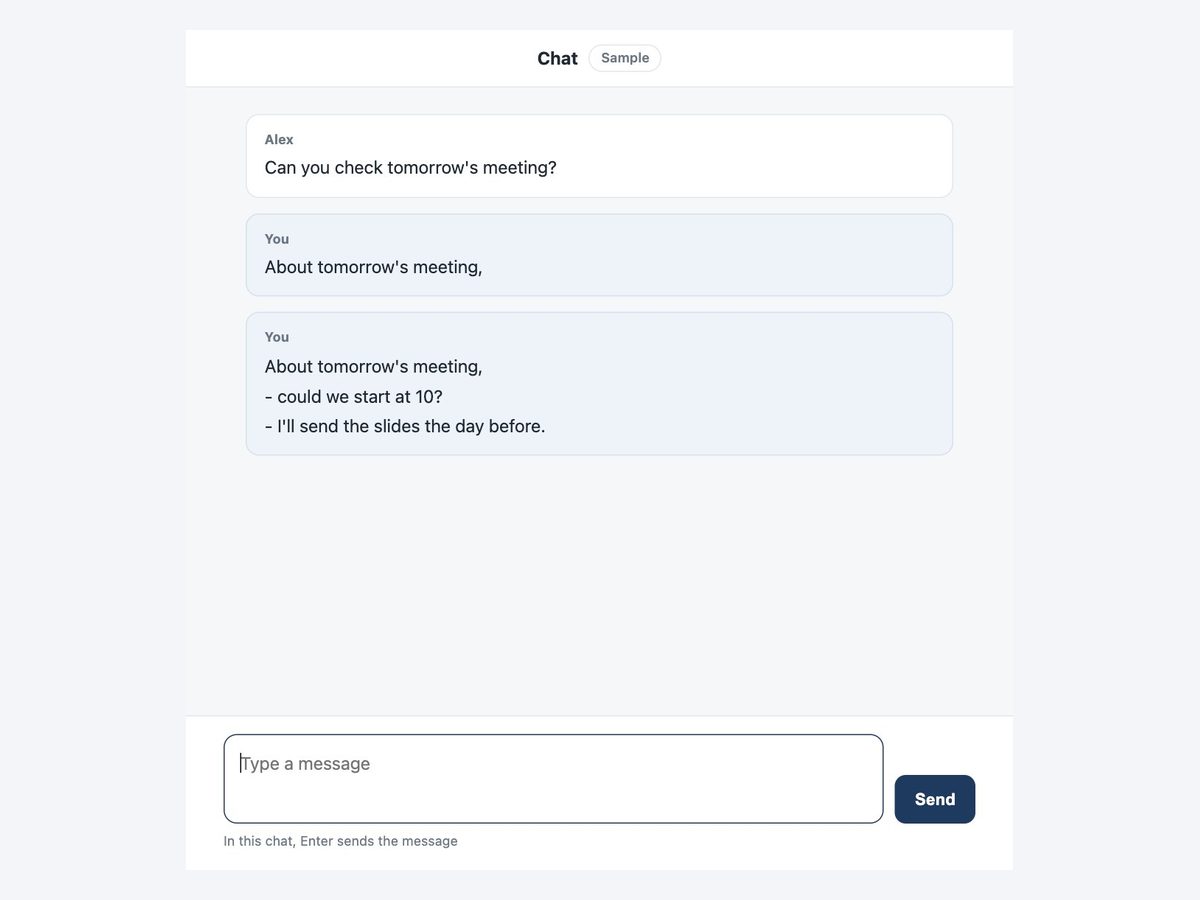
Everything you need to stop accidental sends
One rule on 16 sites
The browser versions of ChatGPT, Claude, Gemini, Copilot, Perplexity, NotebookLM, Google AI Studio, DeepSeek, Grok, Mistral, Poe, Teams, Slack, Chatwork, Discord and Google Chat.
Input confirmation stays local
Enter that confirms Japanese or Chinese input only confirms it. Nothing is sent.
Single-line boxes unchanged
Search fields and other one-line boxes still use Enter as before.
Choose the send key, per site
Send with Ctrl+Enter (Cmd+Enter on Mac), Shift+Enter or Alt+Enter. Sites you turn off keep their own behavior.
Works right after install
Even in tabs that are already open.
Does not read your messages
It only changes what the keys do. It never reads or sends what you type.
Before and after
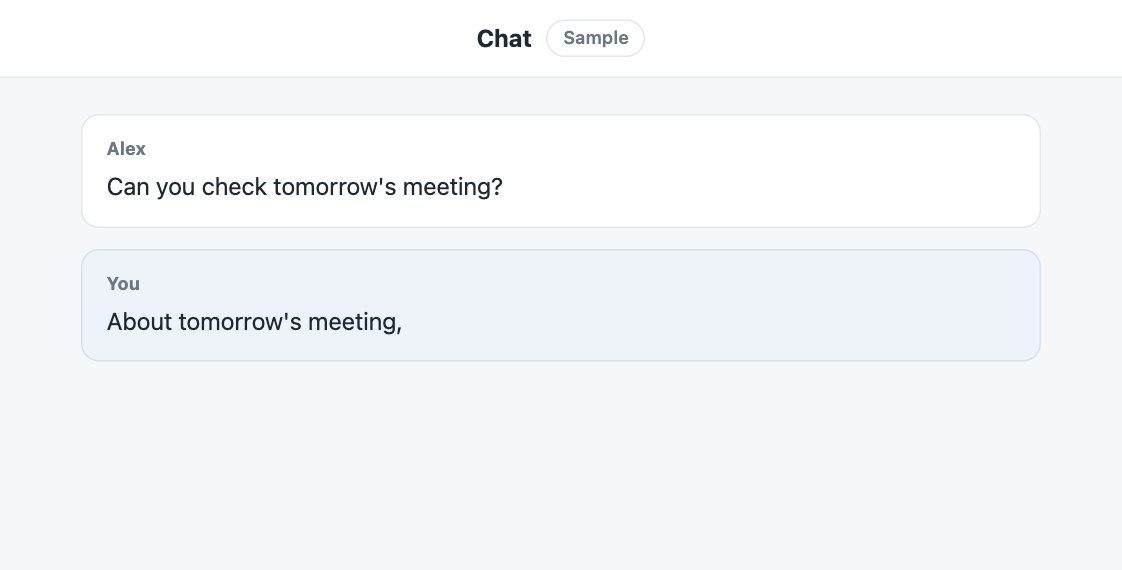
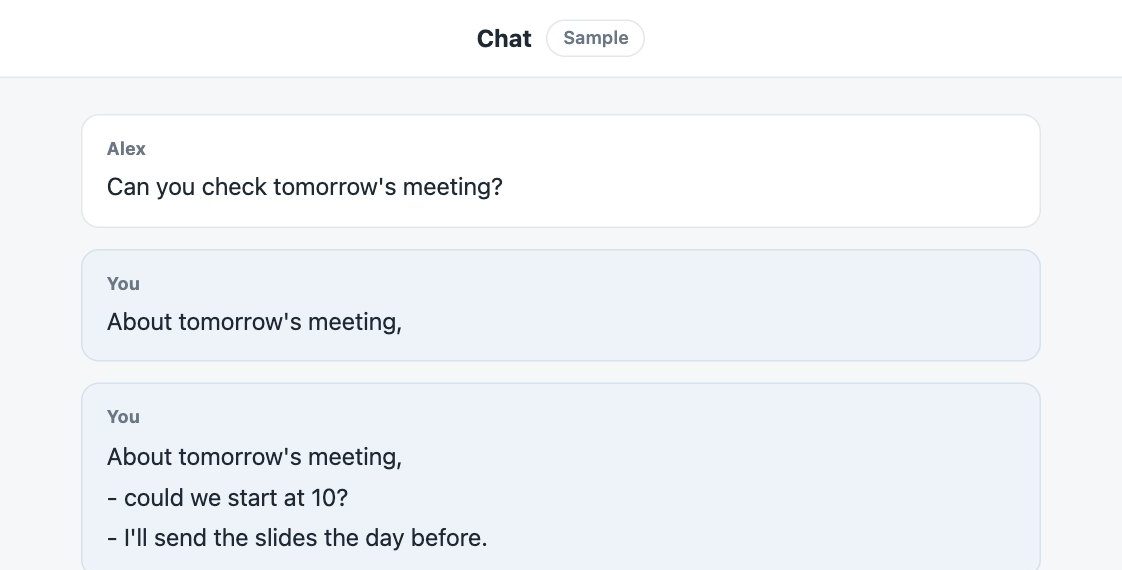
How it compares
| Change each site's setting | Use Shift+Enter for new lines | This extension | |
|---|---|---|---|
| Effort per site | △Only sites that have a setting | ◯No setup | ◎One rule on 16 sites |
| If you press the wrong key | ◯Safe on sites you set | ×Enter alone sends | ◎Enter never sends |
| Enter that confirms input | △Depends on the site | △Depends on the site | ◎Confirms only, never sends |
Some sites, such as Slack, let you set Enter to add a new line. If you already use that setting, uncheck that site in this extension (the behavior is the same).
Pricing
Free
¥0
The same ¥980 a month unlocks every extension we release
FAQ
Does it cost anything?
No. This extension is completely free. There are no paid features.
Does it work in the Slack desktop app?
No. It works on pages opened in the browser, not in desktop apps such as Slack, Teams or LINE.
Does it work in Gmail?
Gmail is not included. Its compose window already uses Enter for new lines.
Is what I type sent anywhere?
No. It only changes what the keys do and never reads what you type. Only your on/off choice per site is saved.
I switched a site on or off but nothing changed
Reload that site's page after switching.
More extensions
 Full Page Screenshot HD
 YouTube Transcript Copy and Download
 Split Screen for TabsComing soon
 Character Counter for JapaneseComing soon
 Copy All Tab URLs and TitlesComing soon
 Mobile View CheckerComing soon
 Broken Link Checker ToolComing soon
 Web Page to Markdown ConverterComing soon
 OGP CheckerComing soon
 Japanese Spelling Variant CheckerComing soon
 Heading Checker for SEOComing soon
- See all extensions