Listen to any web page.
Press “Read this page”. The sentence being read is highlighted, and the page scrolls along.
- Free to use
- No sign-up
- Highlights as it reads
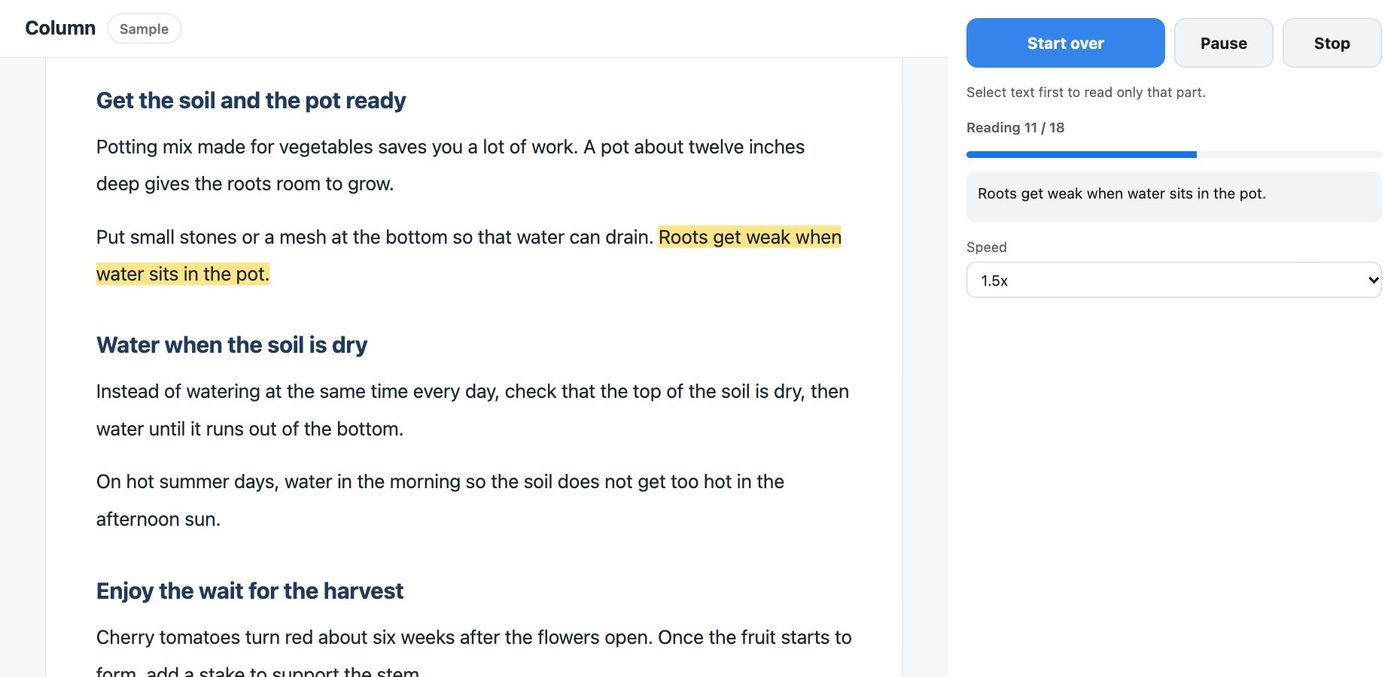
How it works
- 1
Click the icon on the page
The side panel opens on the right.
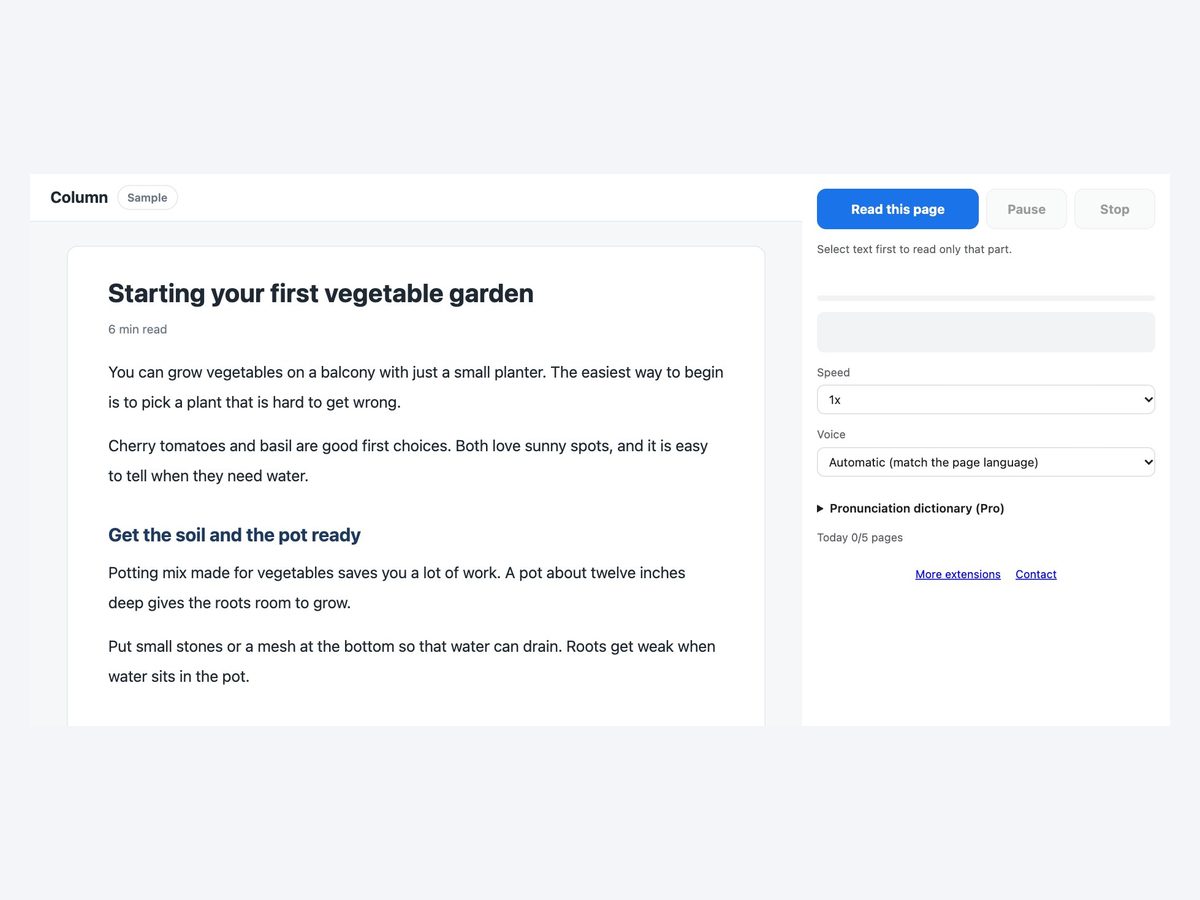
- 2
Press Read this page
It reads the main text sentence by sentence. Select text first to read only that part.
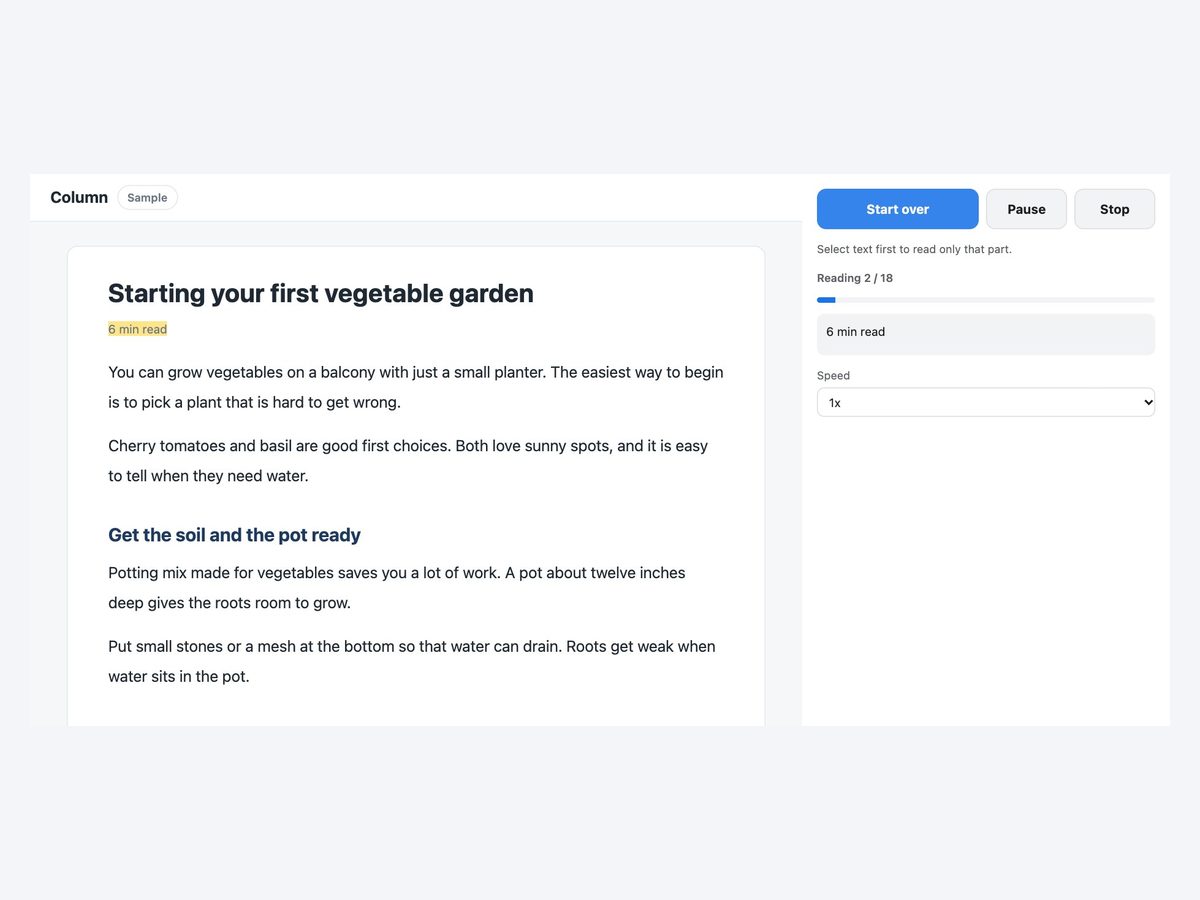
- 3
Choose the speed and voice
The current sentence is highlighted and the page scrolls. Pause and resume any time.
Everything you need to listen
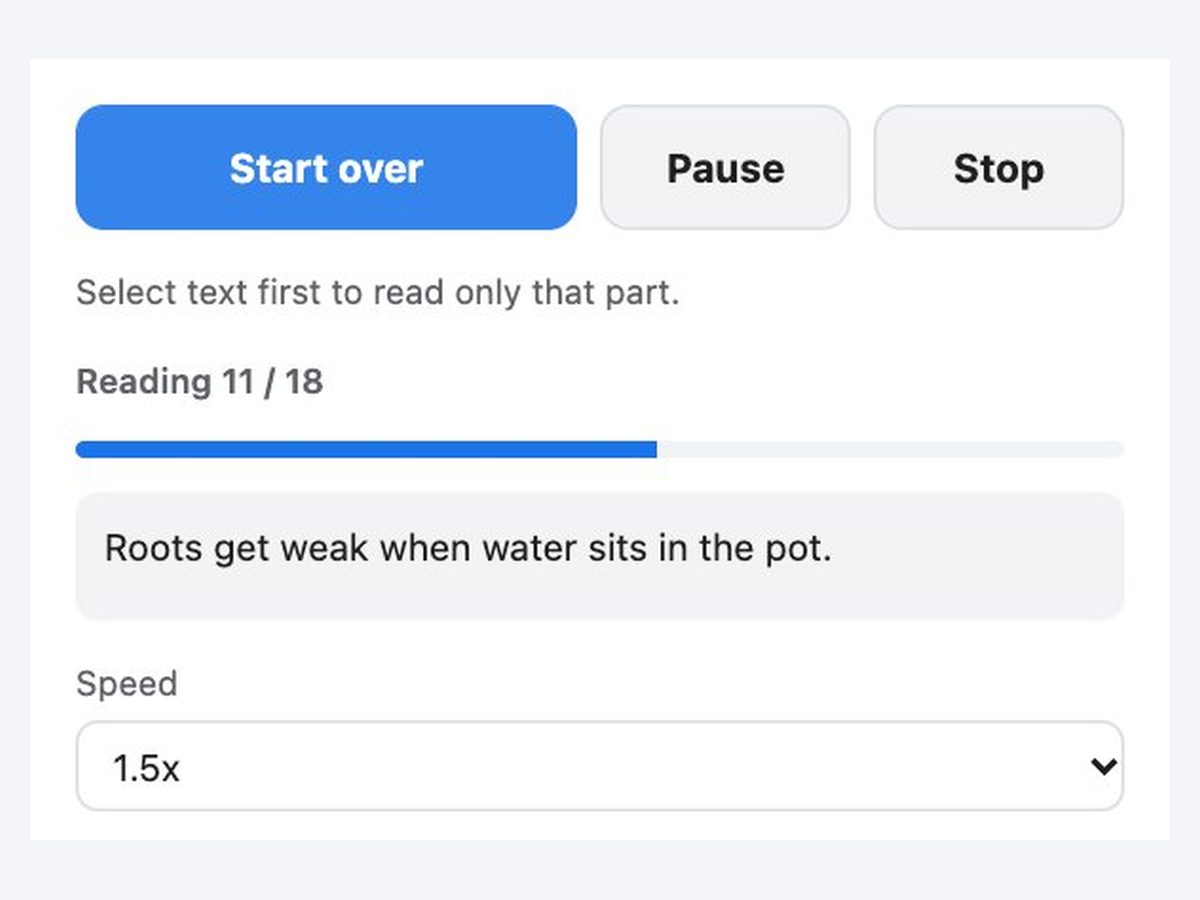
Highlighted sentence
See exactly where it is reading, right on the page.
Scrolls along
The page moves with the reading.
PDFs too
Reads PDFs opened in the browser.
Right-click to read
Right-click selected text and choose Read aloud, or press Alt+Shift+R.
Speed and voice
Up to 1.5x on the free plan. Choose a voice on your computer or an online voice.
Not sent to us
Page text is never sent to our servers. Only online voices send the text to the browser provider.
How it compares
| Paste into a text-to-speech site | Your computer's speech feature | This extension | |
|---|---|---|---|
| Effort | ×Copy and paste | △Learn the settings | ◎One button |
| Where it is reading | ×Not shown on the page | △Depends | ◎Highlighted on the page |
| Stay on the page | △Switch tabs | ◯Yes | ◎Controls in the side panel |
Available voices and how they sound depend on your computer and browser.
Pricing
Free
¥0
- 5 pages a day
- Up to 1.5x speed
Pro
¥980/month
or ¥9,800/year (2 months free)
- No limit
- Up to 3x speed
- Pronunciation dictionary
Payment is handled by Stripe's Link. Cancel anytime.
The same ¥980 a month unlocks every extension we release
FAQ
What is free?
5 pages a day and up to 1.5x speed (resets at midnight Japan time). Pro removes the limit, goes up to 3x and adds a pronunciation dictionary.
Is the page text sent anywhere?
Never to our servers. Only when you choose an online voice is the text sent to the browser provider (such as Google or Microsoft). Voices on your computer stay on your computer.
Can it read only part of a page?
Yes. Select the text and press “Read this page”, or right-click it and choose Read aloud. The shortcut is Alt+Shift+R.
Can it read PDFs?
Yes, PDFs opened in the browser. Scanned PDFs without text cannot be read. For PDFs on your computer, turn on Allow access to file URLs in the extension settings.
Can I fix mispronunciations?
Pro includes a pronunciation dictionary where you can set how a word is read.
More extensions
 Full Page Screenshot HD
 YouTube Transcript Copy and Download
 Enter for New Line, Ctrl Enter to SendComing soon
 Split Screen for TabsComing soon
 Character Counter for JapaneseComing soon
 Copy All Tab URLs and TitlesComing soon
 Mobile View CheckerComing soon
 Broken Link Checker ToolComing soon
 Web Page to Markdown ConverterComing soon
 OGP CheckerComing soon
 Japanese Spelling Variant CheckerComing soon
 Heading Checker for SEOComing soon
- See all extensions