Turn this page into a QR code.
Click the icon and the QR code for the page you are on appears. Make Wi-Fi or contact codes too, and scan QR codes on pages and images.
- Free to use
- No sign-up
- Unlimited QR codes
How it works
- 1
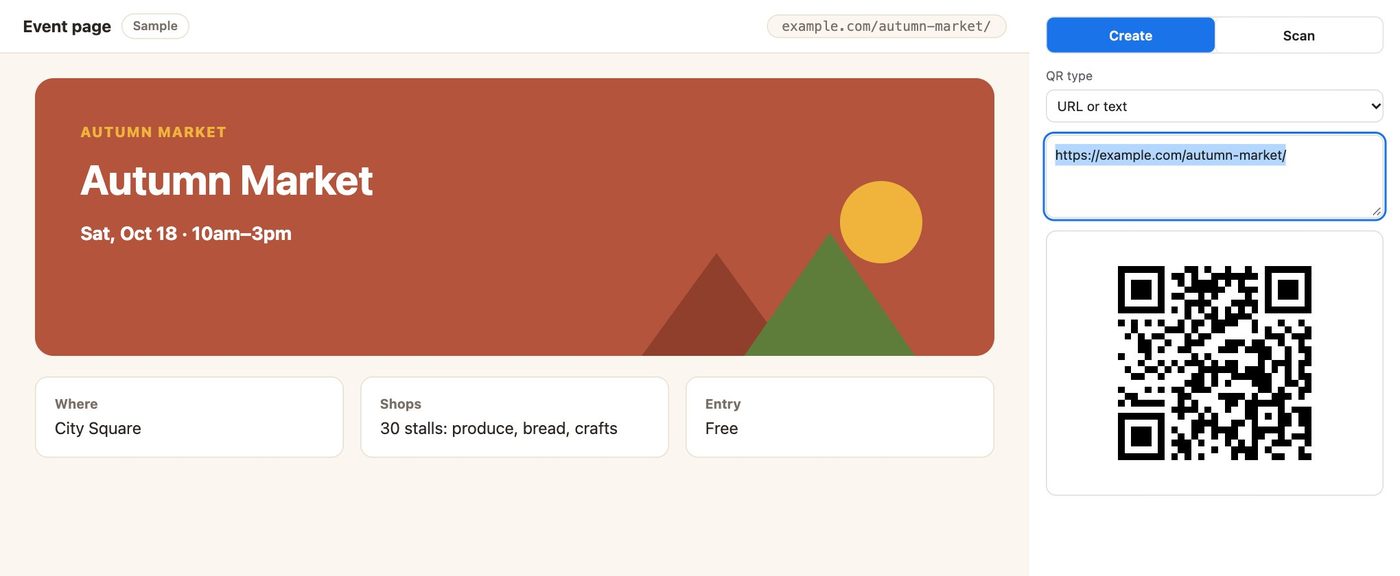
Click the icon on the page
A QR code for the page URL appears right away.
- 2
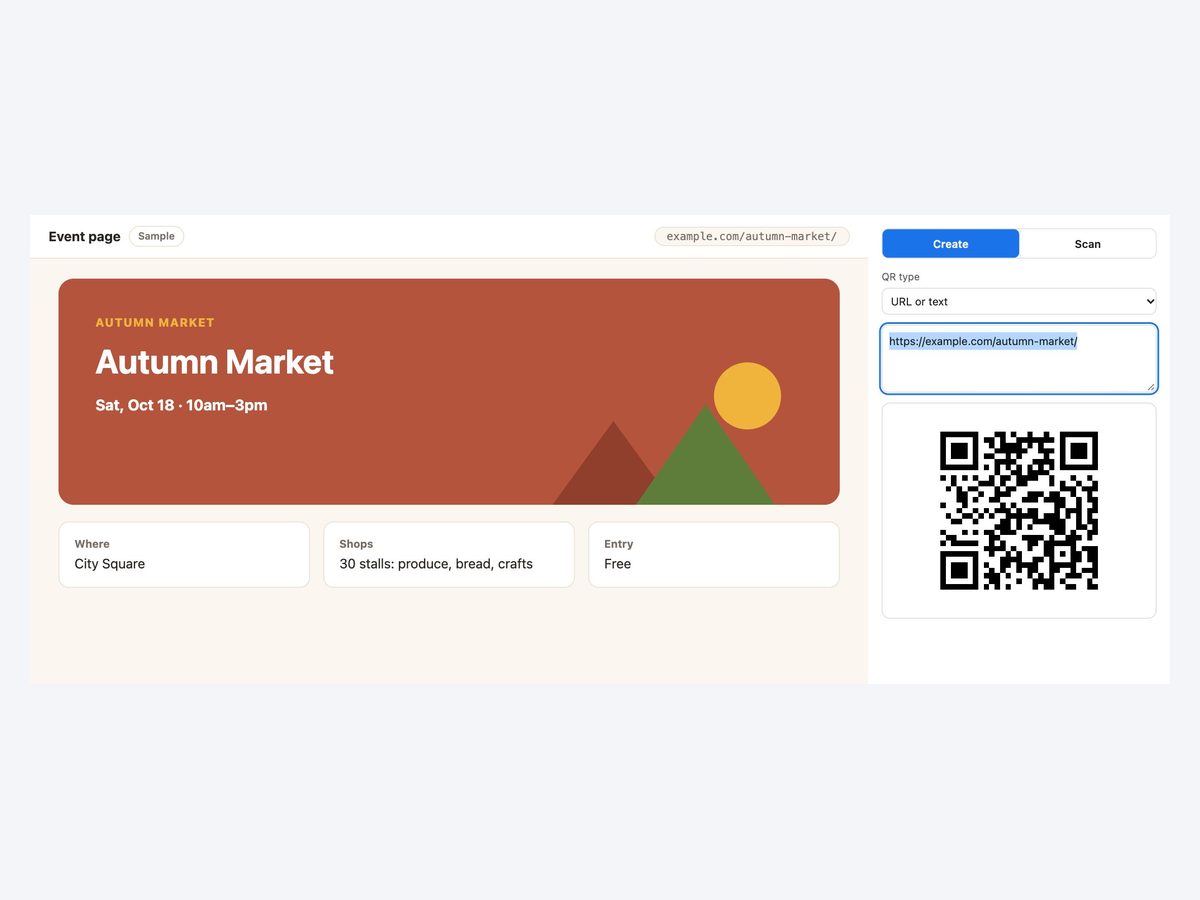
Edit the text if you like
Change the URL or type any text. The QR code updates instantly.
- 3
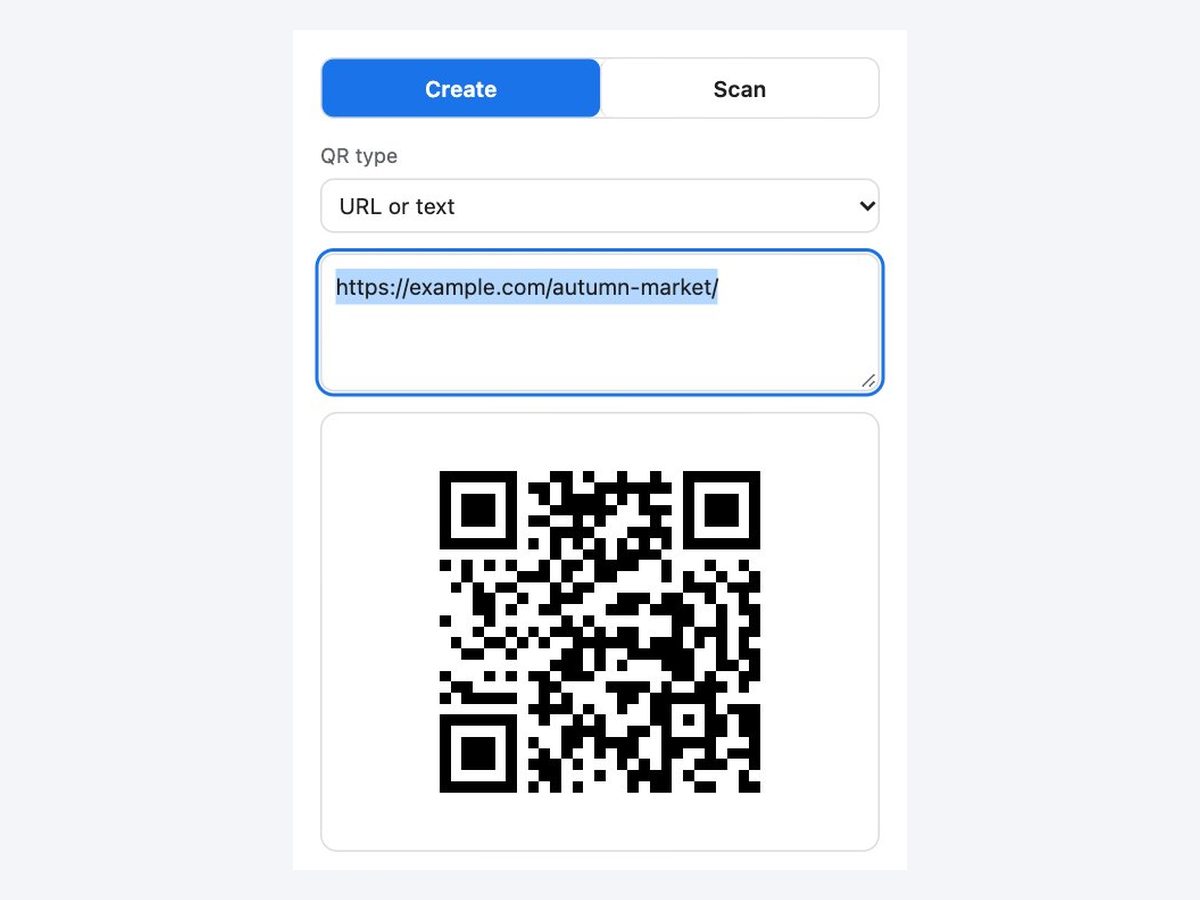
Save as PNG or copy the image
Paste it straight into a flyer or a document.
Everything you need to make a QR code
Instant QR
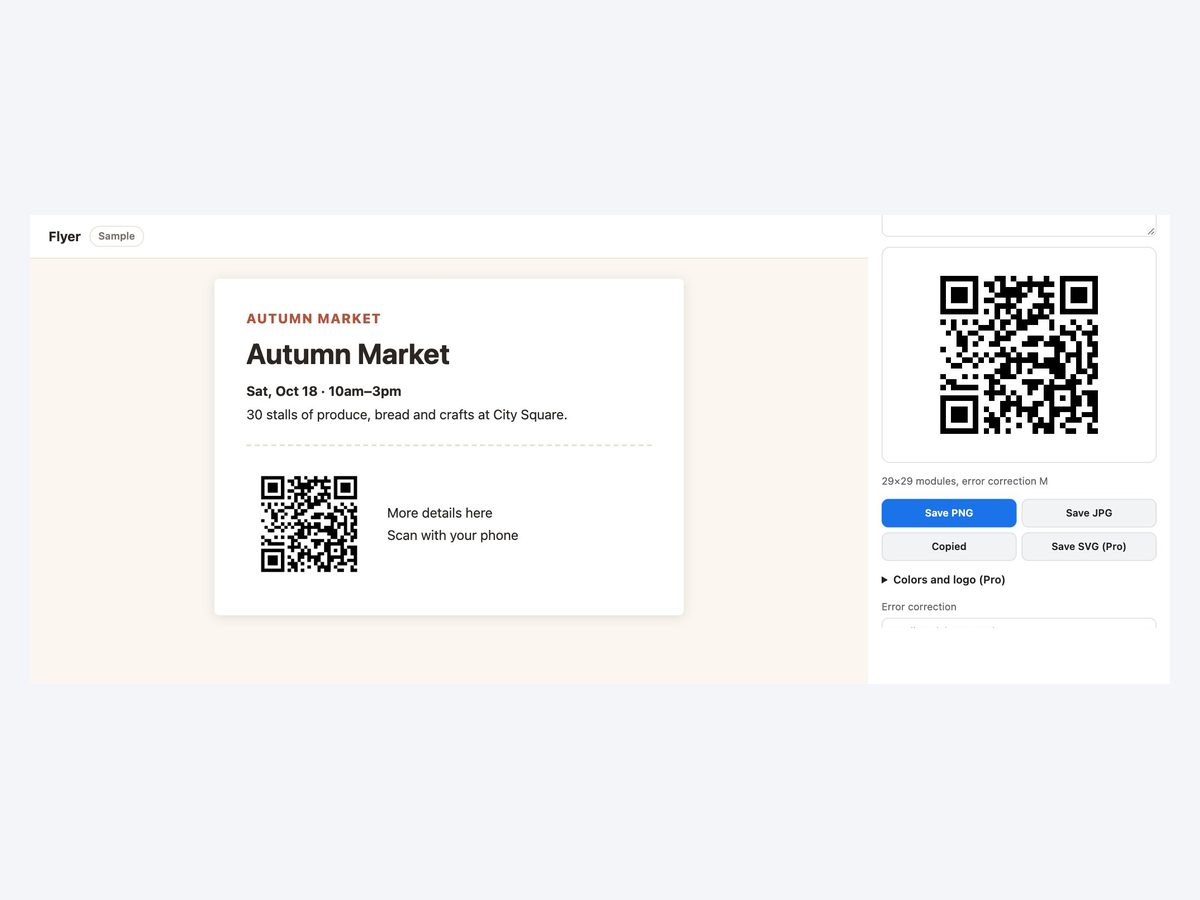
The current page URL becomes a QR code as soon as you open it. Edit the text and it updates.
Wi-Fi, contacts, email
Make QR codes for a Wi-Fi password, a contact card, email, SMS or a phone call.
PNG, JPG and copy
Save it or copy it into your document. Choose from four error correction levels.
Scan QR codes
Read QR codes on the page, in an image file or with your camera, several at once.
Colors and logo with Pro
Colors, SVG and a logo in the center. Adding a logo sets error correction to High.
Nothing is sent
Making and scanning happen in your browser. The screen and camera video never leave it.
How it compares
| QR code websites | Phone apps | This extension | |
|---|---|---|---|
| Effort | △Open a site and paste | △Send the URL to your phone | ◎Click the icon |
| Where your URL goes | △Depends on the site | △Depends on the app | ◎Stays in your browser |
| Paste into a document | ◯Save, then insert | △Move it to your computer | ◎Copy and paste |
| Scan a code on your screen | △If the site takes uploads | ×Capture and send it | ◎One button |
Test the QR code with a phone camera before you print it. Very small prints are harder to scan.
Pricing
Free
¥0
- Unlimited QR codes to create and scan
- PNG, JPG and copy image
Pro
¥980/month
or ¥9,800/year (2 months free)
- Colors
- SVG
- Logo in the center
Payment is handled by Stripe's Link. Cancel anytime.
The same ¥980 a month unlocks every extension we release
FAQ
What is free?
Making and scanning QR codes is free with no limit, including PNG, JPG and copy image. Pro adds colors, SVG and a logo in the center.
Can I make a QR code for text, not a URL?
Yes. Any text, plus Wi-Fi, contact, email, SMS and phone call codes. You will be told if it is too long.
Can I scan QR codes on my computer?
Yes. Use Scan to read codes on the visible page, in an image file or with the camera. Camera video is not recorded or sent.
Do the QR codes expire?
No. The URL is encoded directly, with no redirect service in between. It works as long as the page exists.
Is my text sent anywhere?
No. Making and scanning both happen in your browser.
More extensions
 Full Page Screenshot HD
 YouTube Transcript Copy and Download
 Enter for New Line, Ctrl Enter to SendComing soon
 Split Screen for TabsComing soon
 Character Counter for JapaneseComing soon
 Copy All Tab URLs and TitlesComing soon
 Mobile View CheckerComing soon
 Broken Link Checker ToolComing soon
 Web Page to Markdown ConverterComing soon
 OGP CheckerComing soon
 Japanese Spelling Variant CheckerComing soon
 Heading Checker for SEOComing soon
- See all extensions