
YouTube captions as text, in one click.
Press “Get captions” on a video page. Copy them with timestamps, or as running text.
- Free to use
- No sign-up
- On the Chrome Web Store
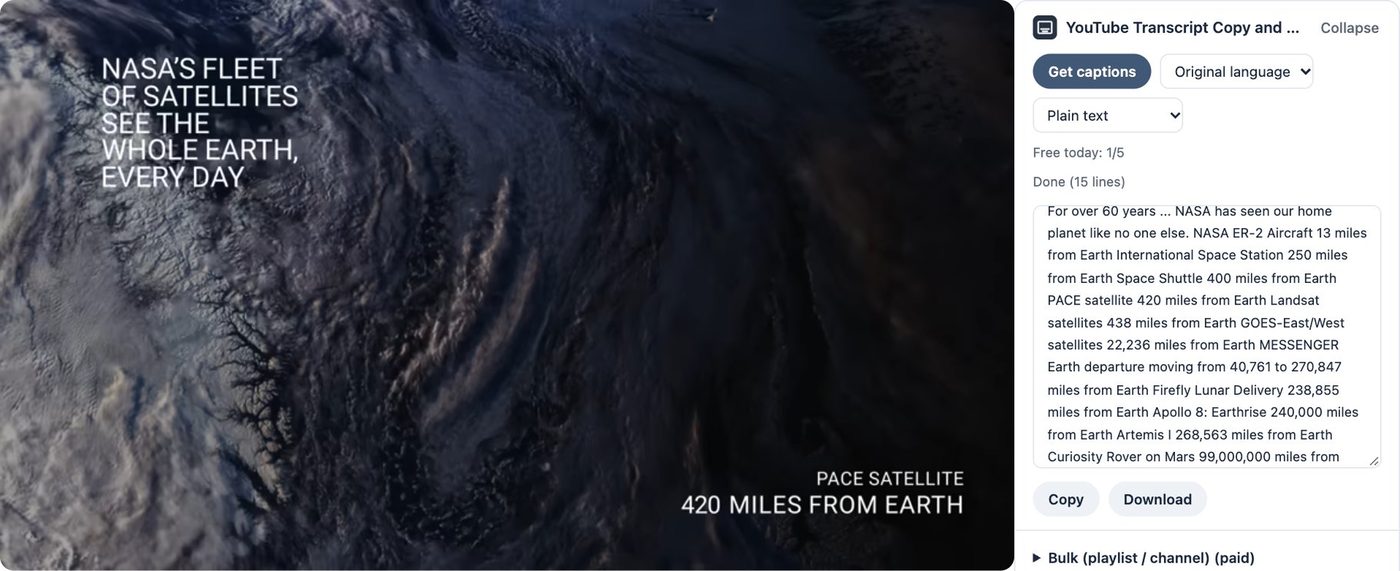
How it works
- 1
Open a YouTube video
The transcript panel appears on the right of the video.
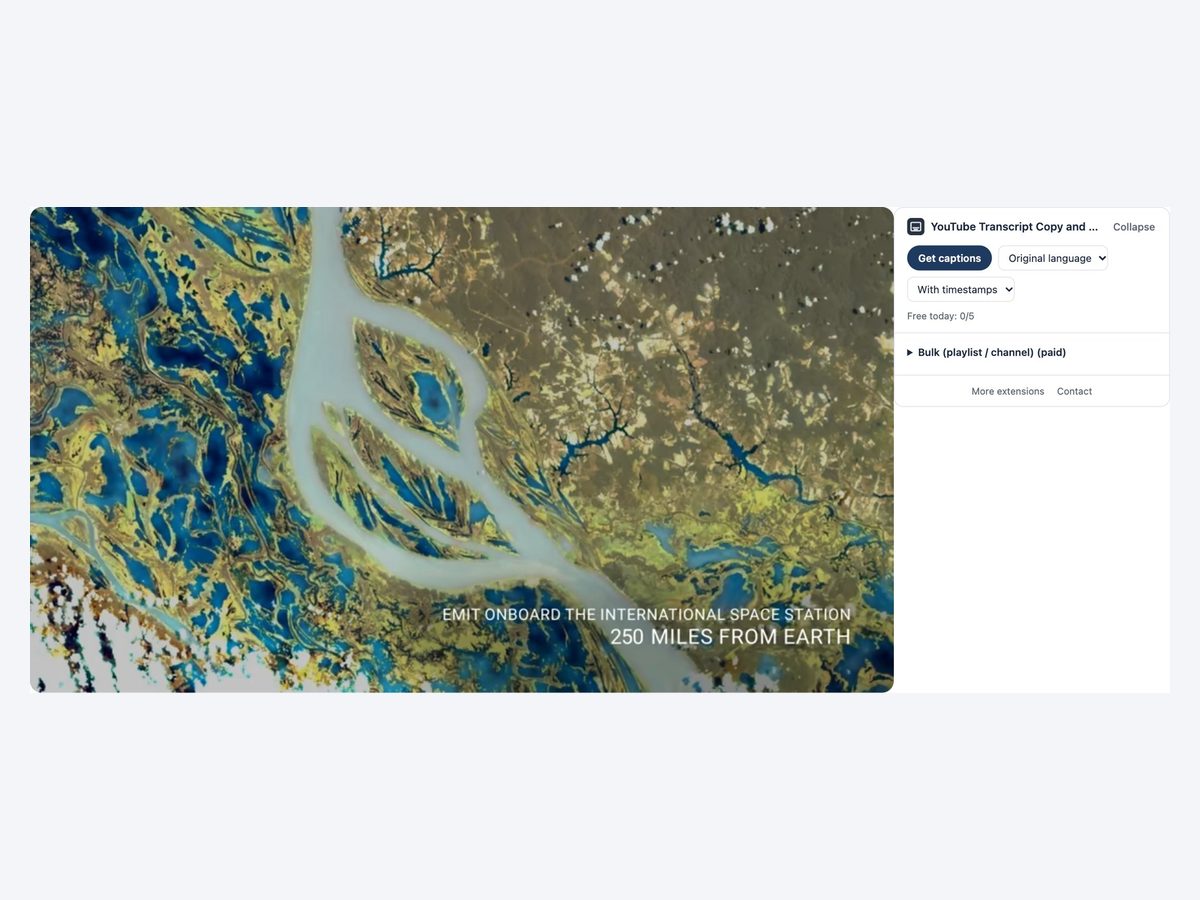
- 2
Press Get captions
You get the captions with timestamps, with the title, channel and URL at the top.
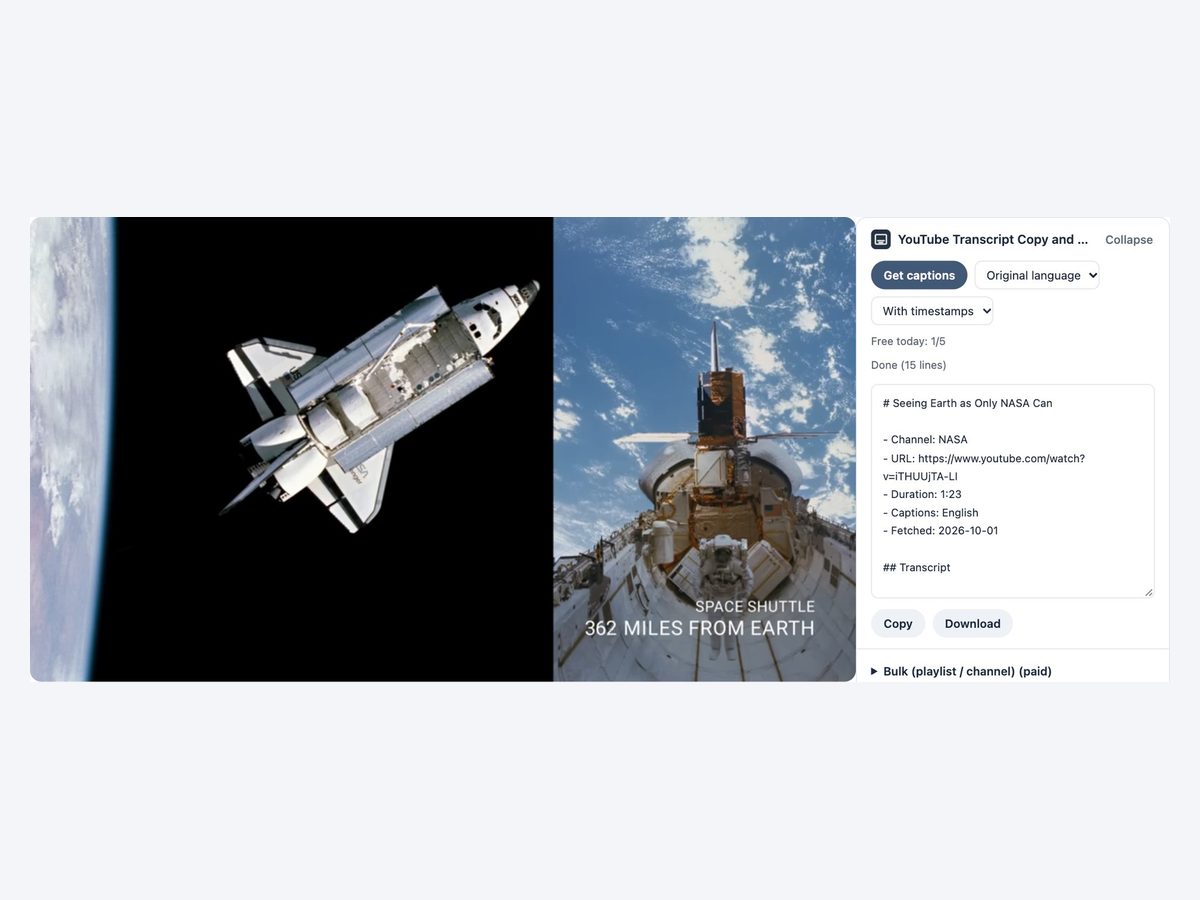
- 3
Pick plain text if you like. Copy or save
Plain text joins the captions into running text. Copy it or save as .md.
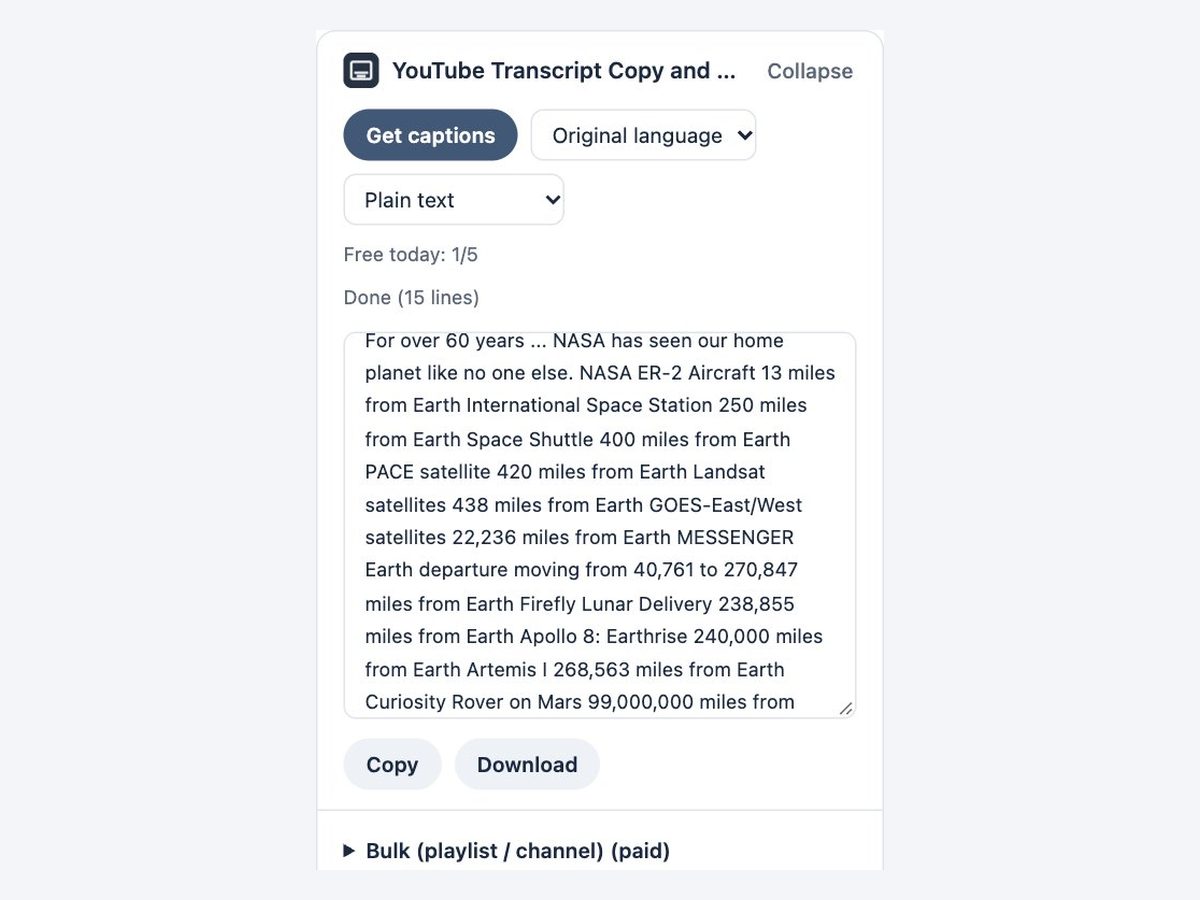
Everything you need for transcripts
One button
Just press “Get captions” on the video page.
With or without timestamps
A timed list, or captions joined into running text.
Video details included
Title, channel, URL and length at the top. Paste it straight into AI or notes.
Choose the language
Japanese, English or the original language.
Save as .md
Save it as a Markdown file.
Shorts too
Works on regular videos and Shorts.
How it compares
| Typing it out | Transcript websites | This extension | |
|---|---|---|---|
| Effort | ×Watch and type | △Copy and paste the URL | ◎One button on the video page |
| With or without timestamps | △Format it yourself | △Depends on the site | ◎Just choose |
| Video details | ×Write them yourself | △Depends on the site | ◎Title and URL included |
Every method relies on the captions on YouTube. Videos with no captions (including auto-generated ones) cannot be turned into text.
Pricing
Free
¥0
- 5 videos a day
- One video at a time
Pro
¥980/month
or ¥9,800/year (2 months free)
- Unlimited videos
- Whole playlists and channels at once
Payment is handled by Stripe's Link. Cancel anytime.
The same ¥980 a month unlocks every extension we release
FAQ
What is free?
5 videos a day (resets at midnight Japan time). Pro removes the limit and gets whole playlists or channels at once (up to the 200 newest videos).
Does it work on videos without captions?
No. If a video has no captions (including auto-generated ones), it tells you so.
Does it work on Shorts?
Yes. It works on regular videos and Shorts.
Are the captions sent anywhere?
Never to our servers. Captions are fetched from YouTube and formatted in your browser.
More extensions
 Full Page Screenshot HD
 Enter for New Line, Ctrl Enter to SendComing soon
 Split Screen for TabsComing soon
 Character Counter for JapaneseComing soon
 Copy All Tab URLs and TitlesComing soon
 Mobile View CheckerComing soon
 Broken Link Checker ToolComing soon
 Web Page to Markdown ConverterComing soon
 OGP CheckerComing soon
 Japanese Spelling Variant CheckerComing soon
 Heading Checker for SEOComing soon
- See all extensions

Example video: NASA, “Seeing Earth as Only NASA Can” (https://www.youtube.com/watch?v=iTHUUjTA-LI). NASA does not endorse this product.