
Full page screenshots, in one click.
Capture any web page from top to bottom as a sharp PNG, JPEG or PDF. No sign-up. Nothing leaves your browser.
- Free to use
- No account needed
- Runs in your browser
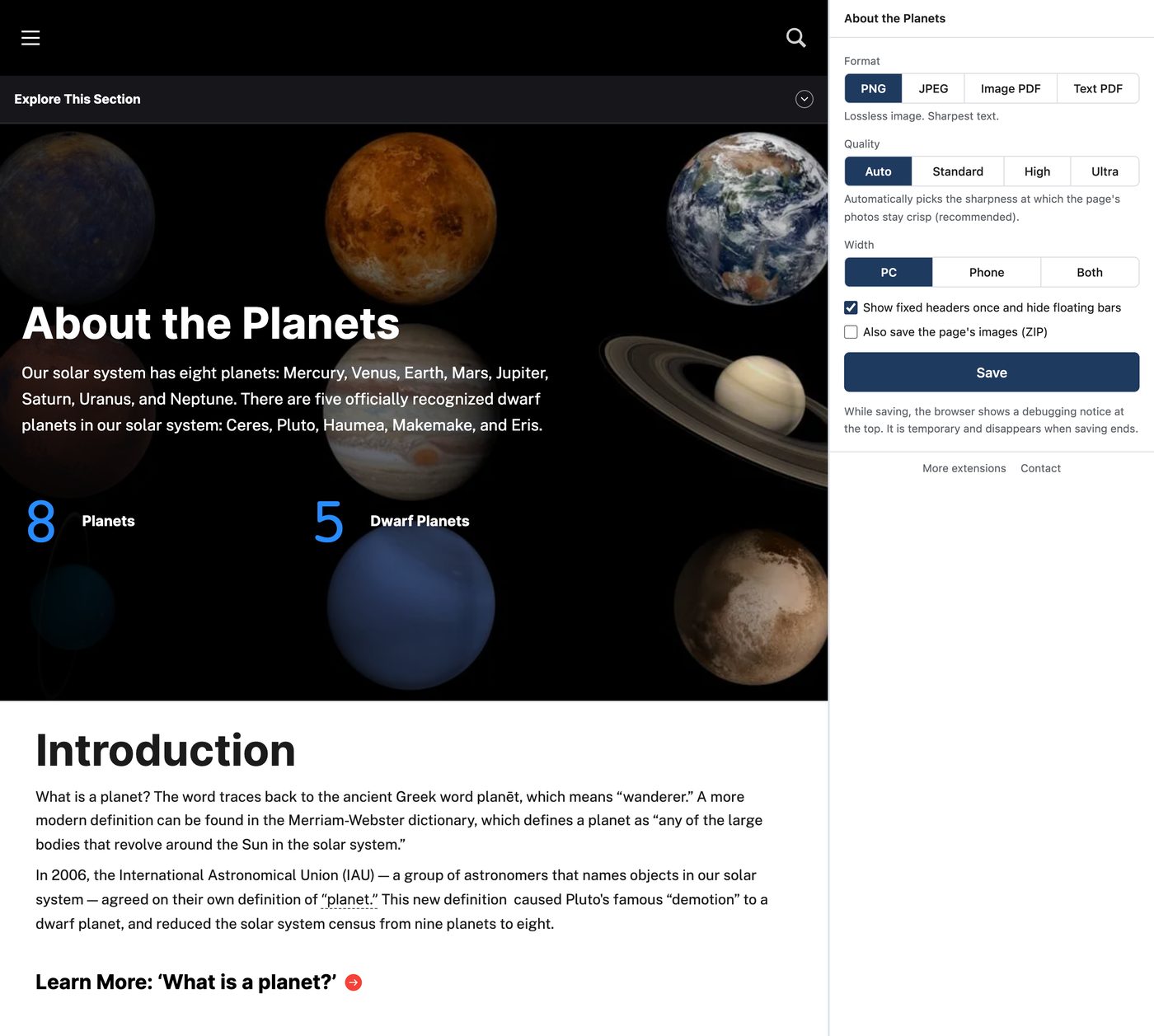
How it works
- 1
Open the page
Any page, any length.
- 2
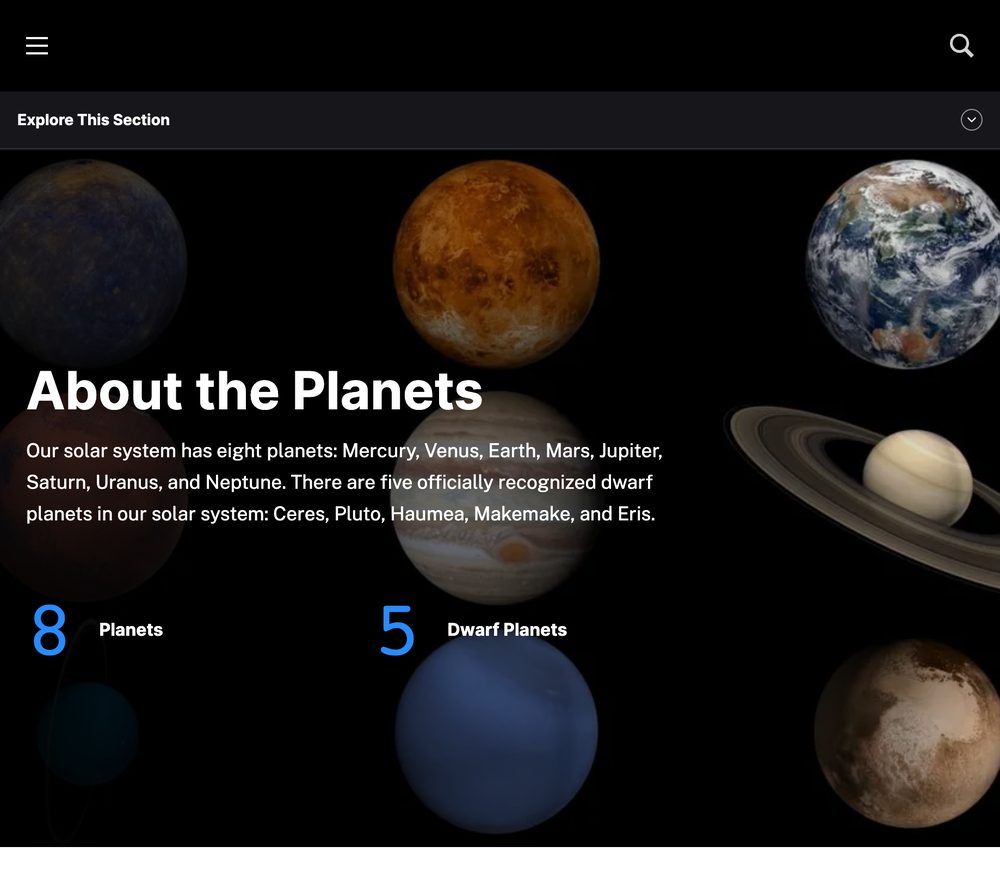
Click the toolbar icon
A side panel opens next to the page, so nothing covers what you capture.
- 3
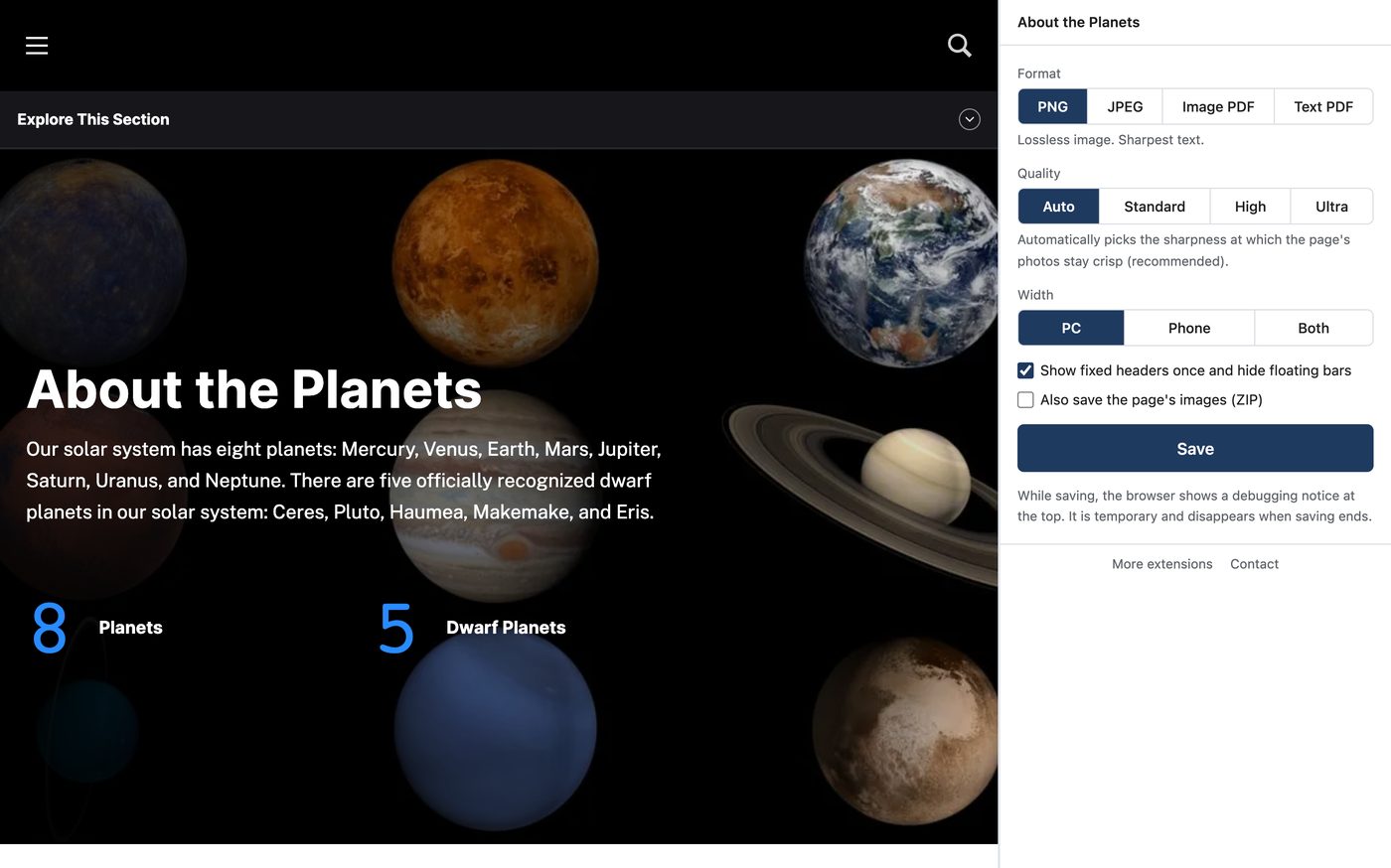
Choose and save
Pick the format, quality and width. The file goes to your Downloads folder.
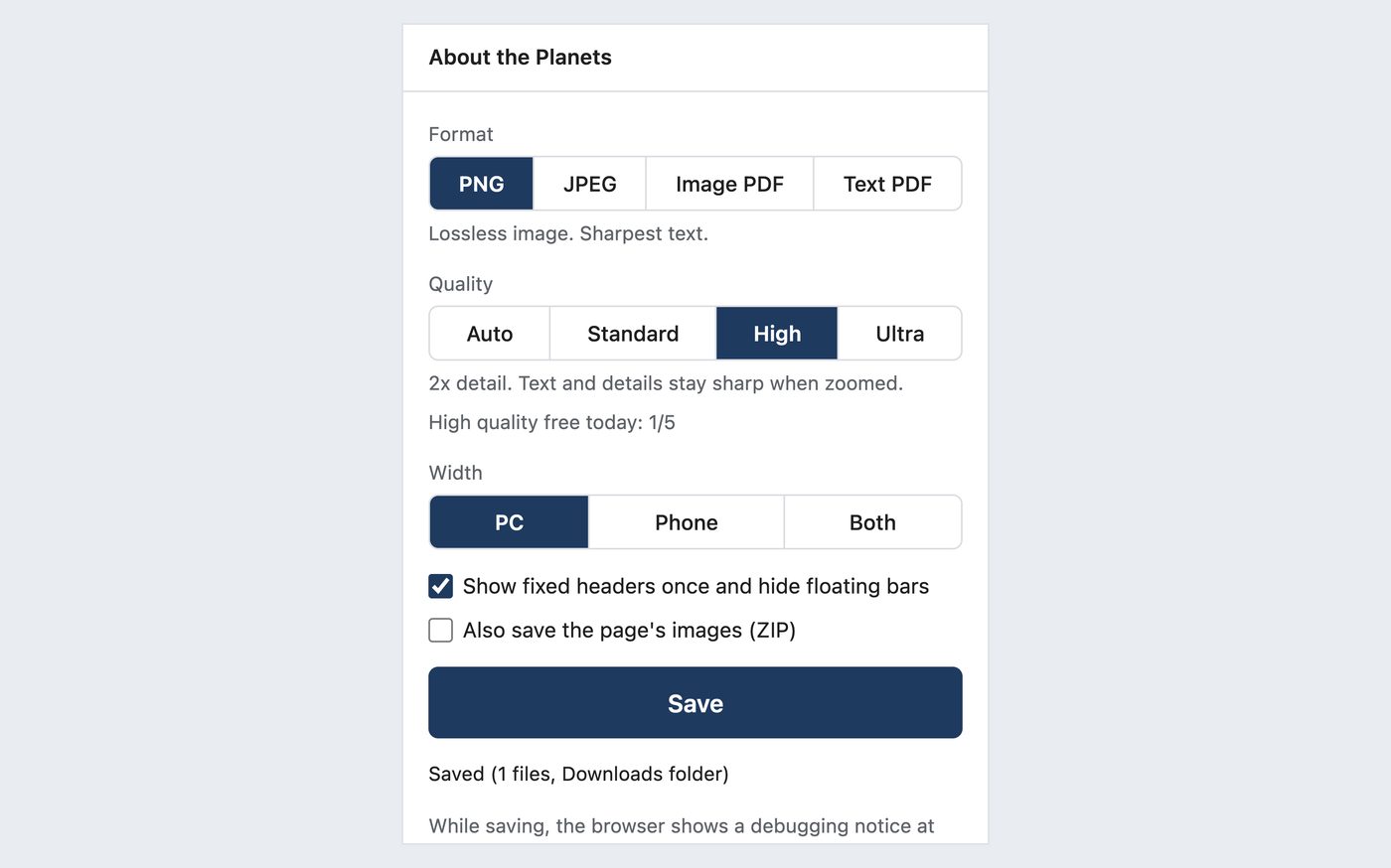
Everything a full page capture should do
Sharp at any zoom
Standard, 2x and 3x resolution. Auto mode picks a level that keeps photos crisp.
Desktop and mobile widths
Capture at 1280 px desktop width, 390 px mobile width, or both at once.
PDF that keeps the look
Image PDF split to A4 or one long page, plus a text PDF you can search.
No blank gaps
Scrolls down first so lazy-loaded images are in the shot.
Sticky headers only once
Fixed menus appear at the top once; floating banners are hidden.
Private by design
Screenshots and page content are never sent anywhere, including our servers.
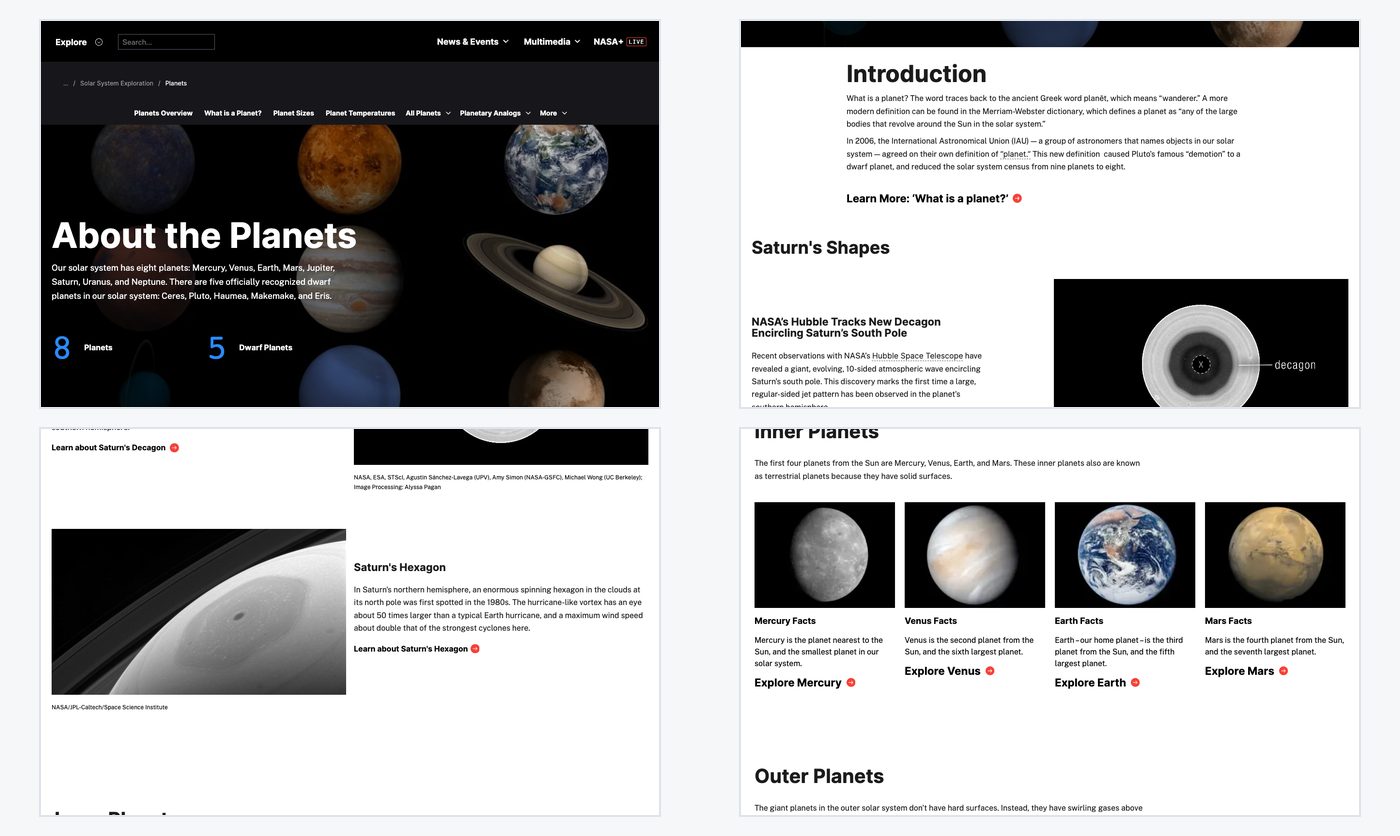
Before and after


How it compares
| Stitch screenshots | Browser dev tools | Online screenshot sites | This extension | |
|---|---|---|---|---|
| Effort | △Many shots, then stitching | △Open dev tools, find the command | ◯Paste a URL | ◎One click |
| Choose resolution | ×Screen only | △With settings | △Depends | ◎4 levels (3x on Pro) |
| Save as PDF | ×No | ×No | △Depends | ◯2 kinds (Pro) |
| Pages behind a login | ◯Yes | ◯Yes | ×Often not | ◯Yes |
Online screenshot sites open the page on their own servers, so pages that need you to log in often cannot be captured. The extension captures the page exactly as it appears in your browser.
Simple pricing
Free
¥0
- Auto and Standard: unlimited
- High: 5 a day
- Save as PNG or JPEG
Pro
¥980 / month
or ¥9,800/year (2 months free)
- Ultra quality
- High: unlimited
- Save as PDF
- Save all images as a ZIP
Payment is handled by Stripe's Link. Cancel anytime.
The same ¥980 a month unlocks every extension we release
Frequently asked questions
Will parts of the page come out blank?
It scrolls to the bottom first so images that load on scroll are included.
Will the header repeat in every screen?
Fixed headers are captured once at the top, and floating banners are hidden. You can turn this off.
Do I need an account or a card?
No. Install it and start. The free limits are shown before you save, so you are never stopped at the last step.
Are my screenshots uploaded anywhere?
No. Files are saved only to your Downloads folder. Page content and URLs are never sent anywhere.
Why does the browser say it is being debugged while saving?
To capture sharply, it briefly uses a browser feature on the tab being saved. The notice disappears as soon as saving ends.
Are there pages it cannot capture?
Browser settings pages and extension stores cannot be captured by any extension. It tells you when that happens.
Will it open new tabs after every update?
No. A welcome page opens only once, when you first install it.
More extensions from us
 YouTube Transcript Copy and Download
 Enter for New Line, Ctrl Enter to SendComing soon
 Split Screen for TabsComing soon
 Character Counter for JapaneseComing soon
 Copy All Tab URLs and TitlesComing soon
 Mobile View CheckerComing soon
 Broken Link Checker ToolComing soon
 Web Page to Markdown ConverterComing soon
 OGP CheckerComing soon
 Japanese Spelling Variant CheckerComing soon
 Heading Checker for SEOComing soon
- See all extensions
Example page: NASA Science, About the Planets (https://science.nasa.gov/solar-system/planets/), captured with this extension by AI Content Hub LLC. Logos hidden. NASA does not endorse this product.